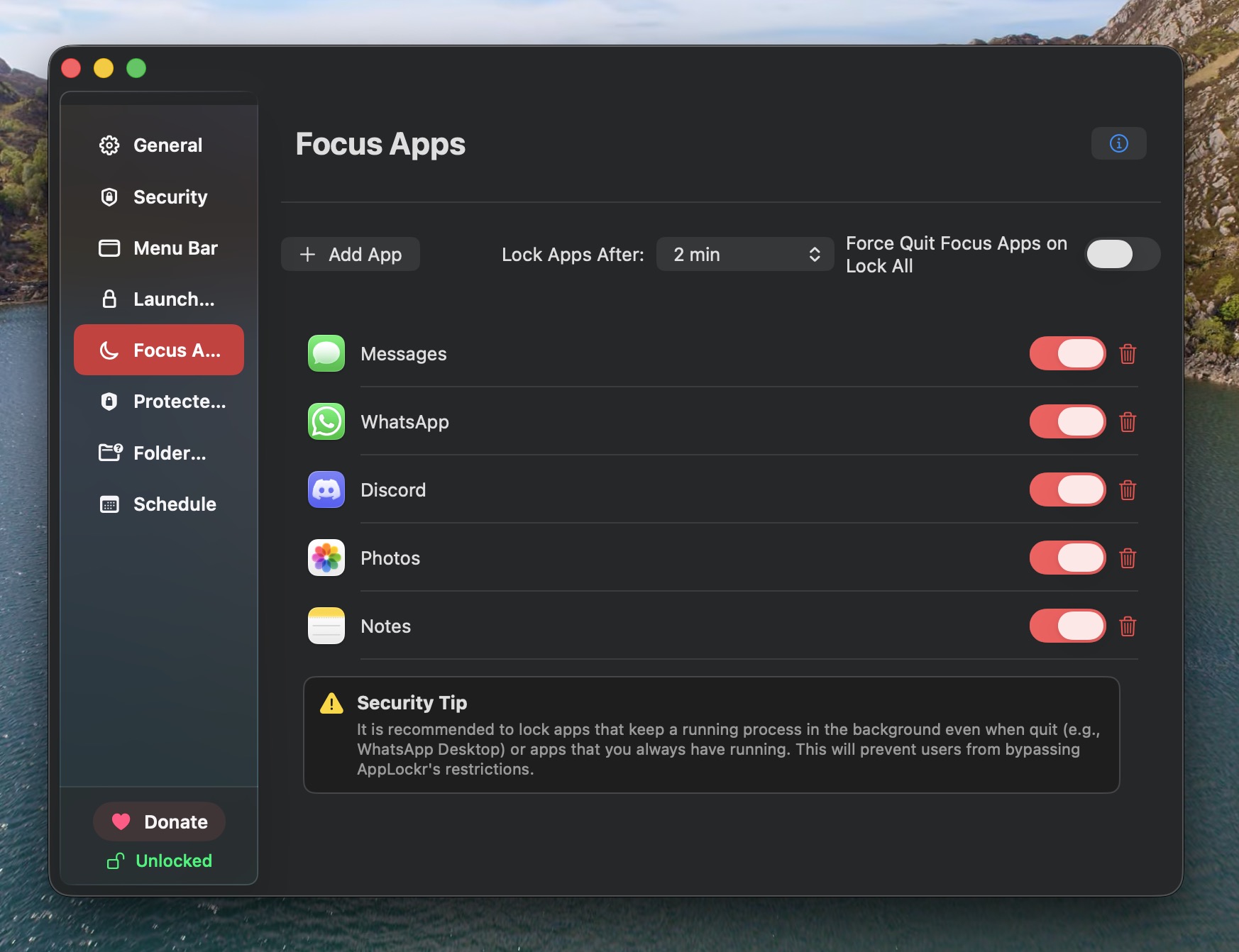
Notes, Photos, Mail
Protect apps that tend to contain personal details.
AppLockr brings a familiar Mac unlock pattern to selected apps and folders: fast for you, blocked for someone casually using your unlocked Mac.
App locks only work if you are willing to keep them enabled. Touch ID keeps access quick when you are the one opening the app, while still adding a real prompt for other people.
Touch ID support depends on your Mac and system configuration. AppLockr also supports password authentication so protected apps remain usable on Macs without Touch ID.
Protect apps that tend to contain personal details.
Add a practical barrier before private sessions or accounts are opened.
Reduce accidental exposure when sharing a Mac at school or work.
Use the same privacy mindset for sensitive local files.