Password protect private Mac apps without changing accounts.
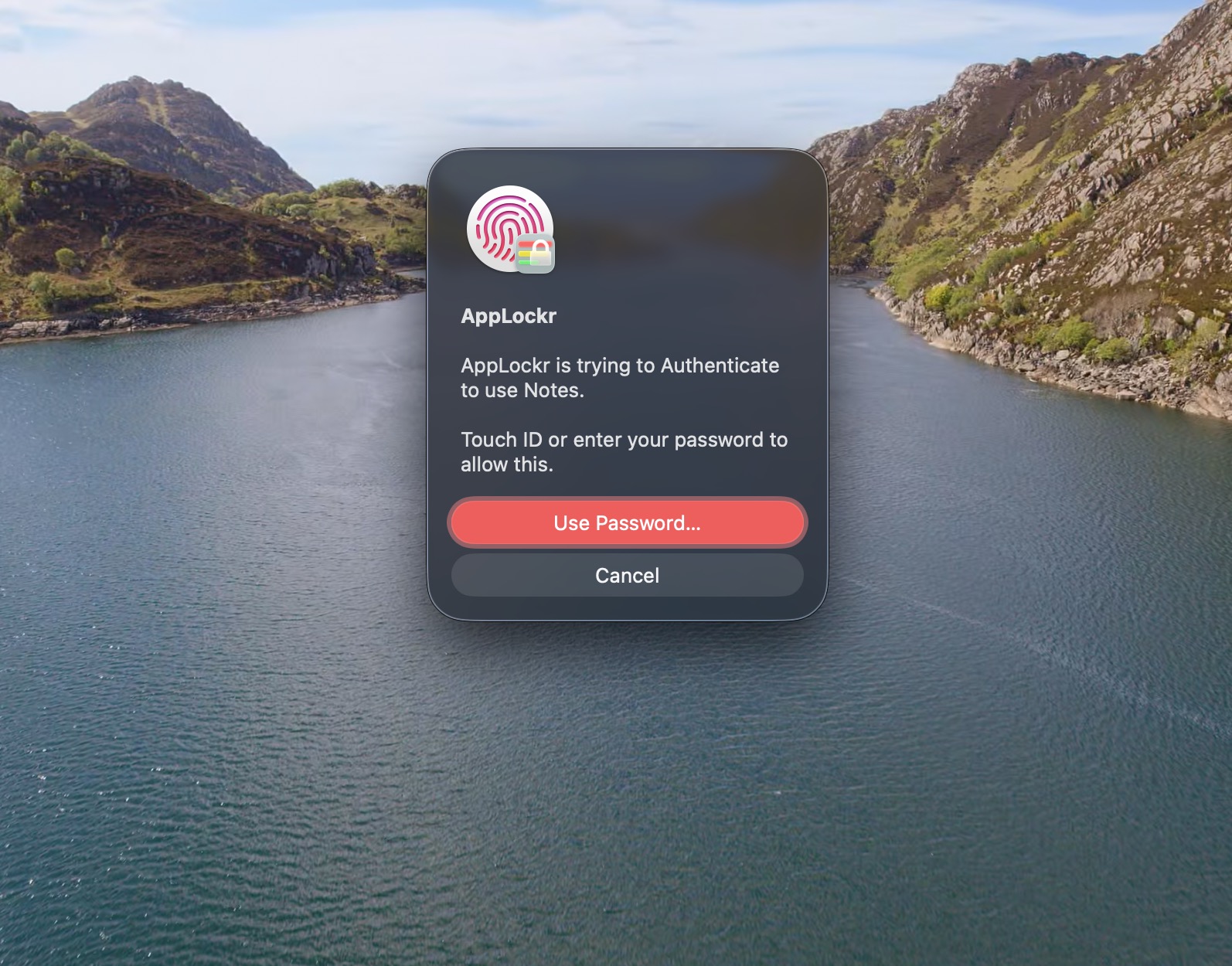
If you share your Mac occasionally, creating separate macOS accounts can be too much. AppLockr lets you place selected apps behind password or Touch ID authentication.
What macOS already does well
macOS protects your whole account with a login password, FileVault, Touch ID, and permissions prompts. Those are important. They are also broader than the simple question many people ask: can I lock this one app before someone opens it?
Where AppLockr fits
AppLockr adds an app-level privacy prompt for selected apps. It is useful for Notes, Mail, Photos, browsers, chat apps, and work tools that may contain private information even when your Mac is already unlocked.
Trust details
- Native macOS app built with Swift and SwiftUI.
- Apple notarized and distributed through an Apple Developer account.
- No ads, telemetry, or usage tracking.
- Works offline for day-to-day protection.