Screen Time
Best for app limits, downtime, categories, parental controls, and habit management. It is powerful, but the workflow can feel indirect for personal privacy locks.
Screen Time is a good Apple tool for parental controls, schedules, and app limits. If your problem is “I do not want someone opening this app while my Mac is unlocked,” AppLockr is the more direct tool.
Best for app limits, downtime, categories, parental controls, and habit management. It is powerful, but the workflow can feel indirect for personal privacy locks.
Best for locking selected apps and folders with Touch ID or password authentication when your Mac is already in use.
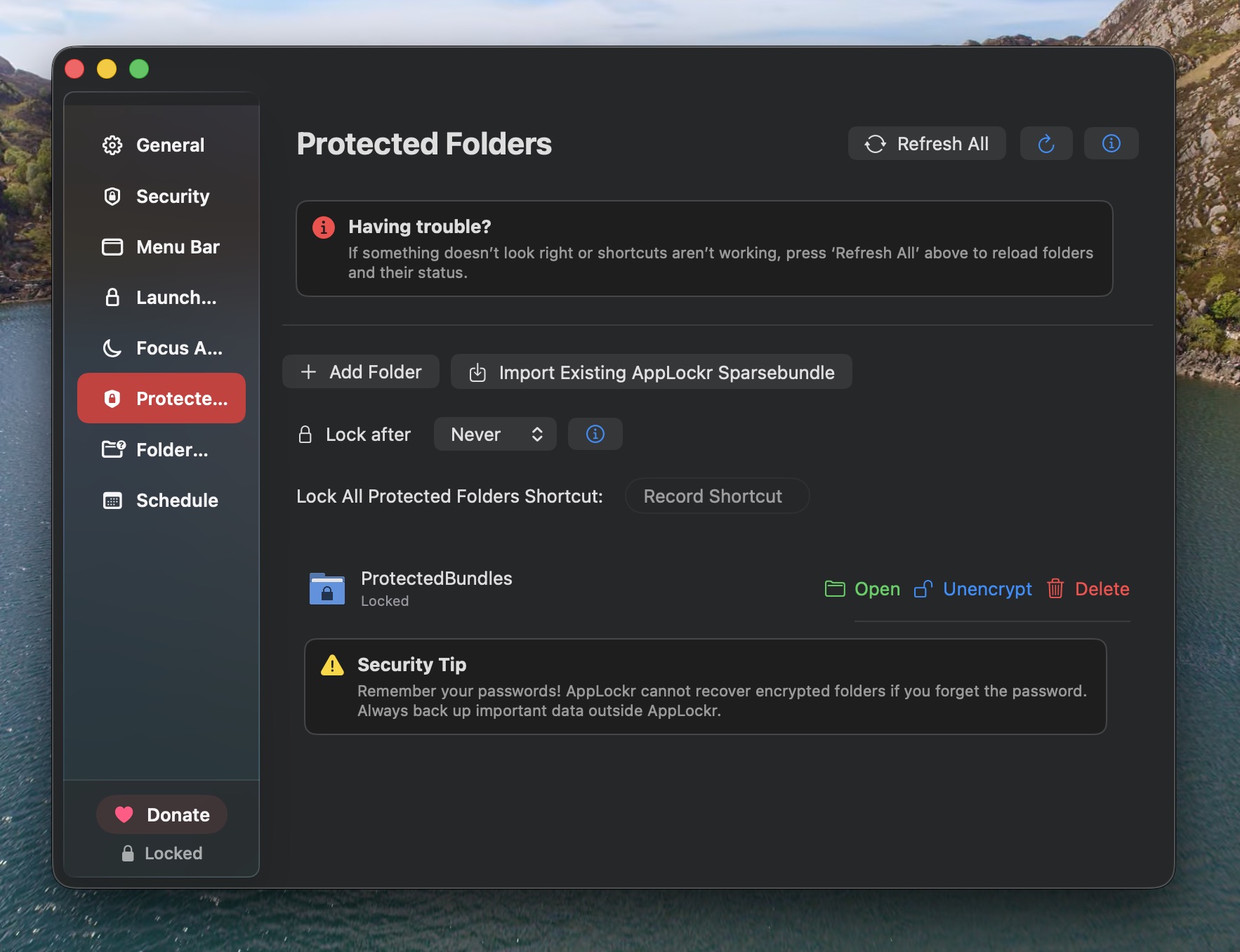
AppLockr does not need to replace every macOS privacy tool. You can keep Screen Time for limits and use AppLockr for selected app and folder privacy.