
Ko-fi supporter
★★★★★
“Really useful Mac app. Easy to set up, clean UI, and perfect for keeping private apps locked.”
Ko-fi review
Protect sensitive apps with Touch ID or password authentication using a native, Apple-notarized macOS app built for personal and shared Mac privacy.
Buy App stays in the top bar. You can still try AppLockr first without paying.
The download starts a 48 hour trial. No card is required for the trial, and it is the same AppLockr app you can unlock later if you decide to buy.
“Really useful Mac app. Easy to set up, clean UI, and perfect for keeping private apps locked.”

“AppLockr does exactly what I needed. Simple, fast, and makes my Mac feel much more private.”

“Great little app for locking Messages and Photos. The intruder photo feature is a nice bonus.”
AppLockr is for lightweight, everyday privacy: the moment someone borrows your Mac, you share a screen, or a private app is one click away.
Keep Notes, Mail, Photos, banking apps, or work tools from being casually opened by another person.
Avoid awkward surprises when you are switching apps in front of classmates, coworkers, clients, or family.
Add a quick privacy layer around project files and apps without turning your Mac into an admin project.
Let someone use your Mac while keeping personal apps and local folders behind authentication.
Use scheduled locking and automation to add friction to distracting apps when you need it.
Protect the things that feel private, without installing heavy enterprise security software.
The feature set stays focused: lock what matters, unlock quickly, and automate protection around your routine.
Require authentication before selected macOS apps can be opened.
Protect private local folders, with local folder encryption where supported.
Use Touch ID or password authentication for quick, familiar access.
Lock after inactivity, on launch, at startup, or on your own schedule.
Adjust locking behavior based on trusted or untrusted networks.
Use nearby trusted devices as part of your privacy routine.
Optionally capture a webcam photo after failed unlock attempts.
Keep AppLockr available without getting in the way of your work.
Apple Screen Time is useful for parental controls and app limits, but it is not a simple way to protect private apps before someone else opens them. AppLockr focuses on immediate app and folder privacy for the person sitting at the Mac.
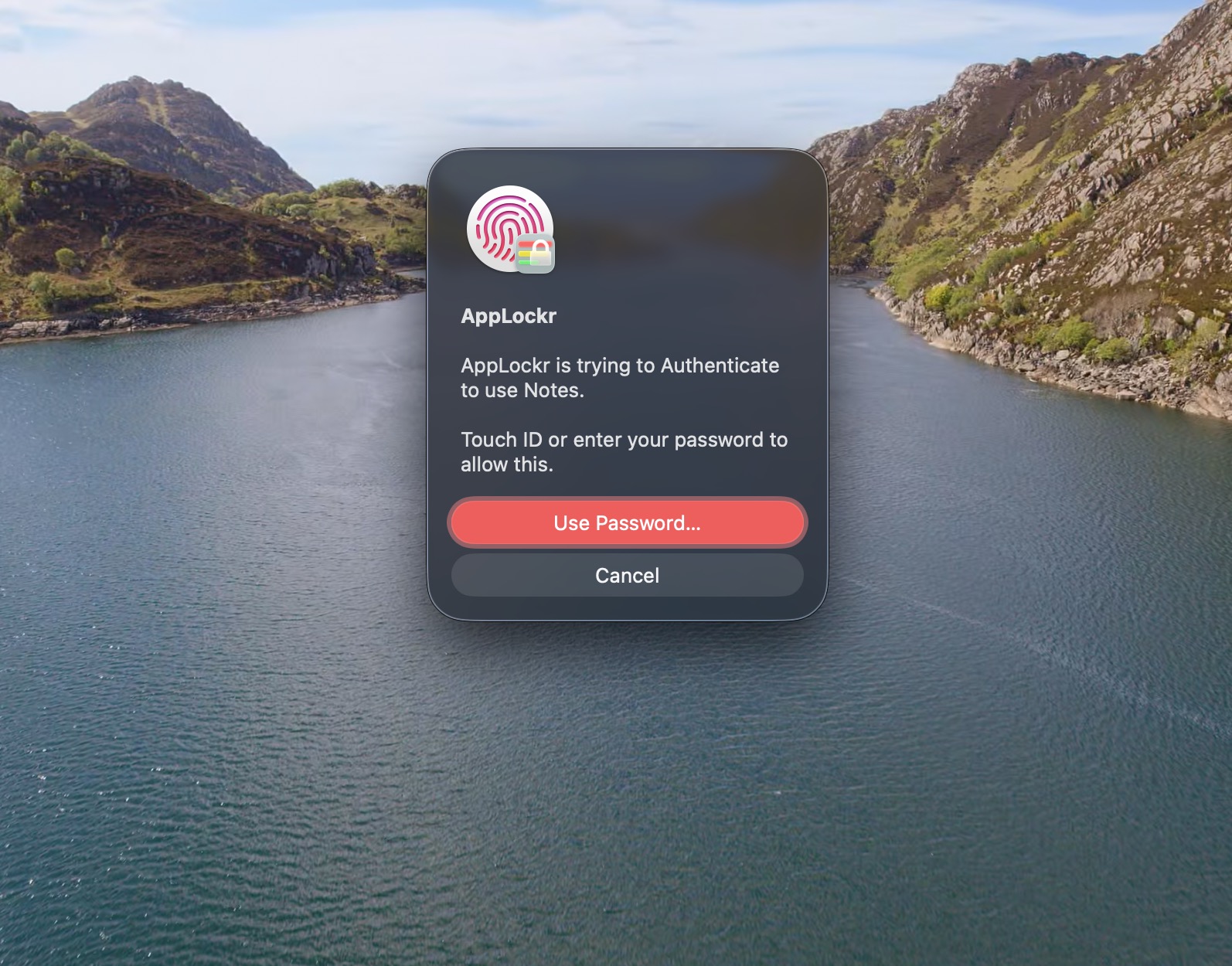
AppLockr explains required macOS permissions during setup so users understand what they are enabling and why the app needs it for the lock flow.
AppLockr is distributed as a native macOS app from an Apple Developer account and is Apple notarized, so macOS Gatekeeper can verify the app before it runs.
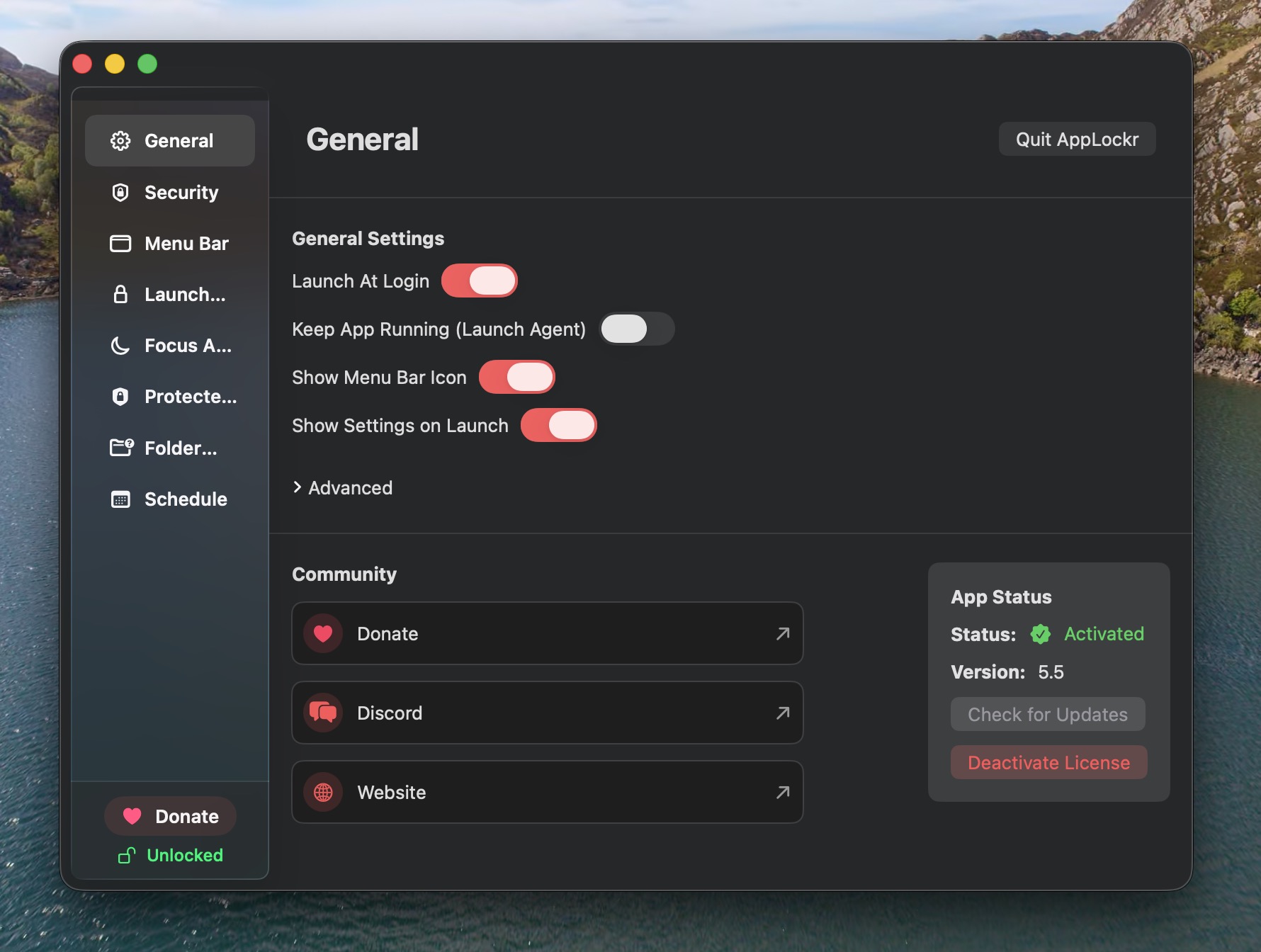
AppLockr is intentionally small: no ads, no telemetry, no tracking dashboards, and no always-online account system for day-to-day protection.
How to protect selected apps from casual opening.
What macOS offers, what it does not, and where AppLockr fits.
How to think about local folder protection and encryption.
Use familiar biometric unlock for protected Mac apps.
A practical comparison for privacy, not parental controls.
How AppLockr compares with Screen Time, AppCrypt-style tools, and separate accounts.
Independent development, native macOS focus, and privacy principles.
Download the 48 hour trial, lock a few apps, and see whether the workflow fits before buying.